Podcast reference lookup
Look up podcast references without pausing the episode
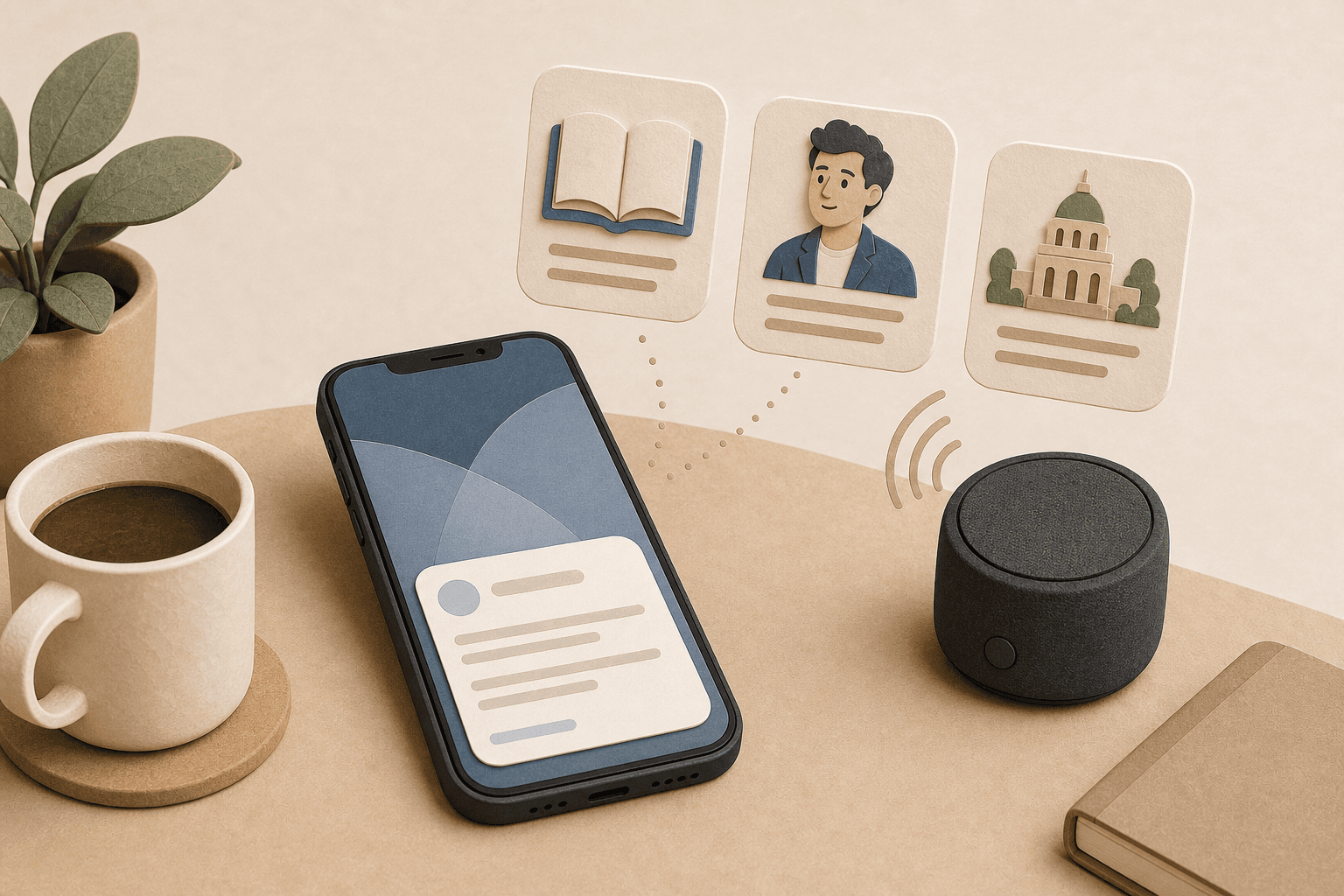
A good podcast can send your curiosity in five directions at once: a person, a book, a company, a claim, a place. SideThread gives those side questions somewhere to go while the conversation keeps moving.
What this is for
This works best when you are listening to a conversational episode and you want lightweight context, not a second screen research session. Start SideThread, play the episode where your phone can hear it, and let the app notice references that may deserve a short answer.
References SideThread can help catch
Names
People, founders, researchers, artists, authors, and public figures mentioned quickly in passing.
Works
Books, papers, albums, shows, films, and articles you may want to understand without stopping the episode.
Claims
A short explanation or background check when a guest makes an interesting claim that needs context.
Places and events
Cities, institutions, historical moments, and current events that make the rest of the conversation easier to follow.
A simple way to try it
- 1. Choose an interview episode. Pick something with guests, examples, and unscripted references.
- 2. Start SideThread before the episode gets dense. Give the app enough live conversation to follow the thread.
- 3. Do not pause for every reference. The test is whether SideThread can preserve useful curiosity without turning listening into a search task.
- 4. Review only what matters. Keep a helpful answer, ignore what you do not need, and start a second session the next time a conversation sends you down a side thread.
What not to expect
SideThread is not a podcast player, transcript archive, or note-taking dashboard. It is a live conversation assistant for the compact answer you might have searched for if stopping the moment had not been so costly.