First session guide
Try SideThread for ten minutes
The best first SideThread session is simple: play a conversational podcast out loud, start listening, and let the app catch the side questions you would normally pause to search.
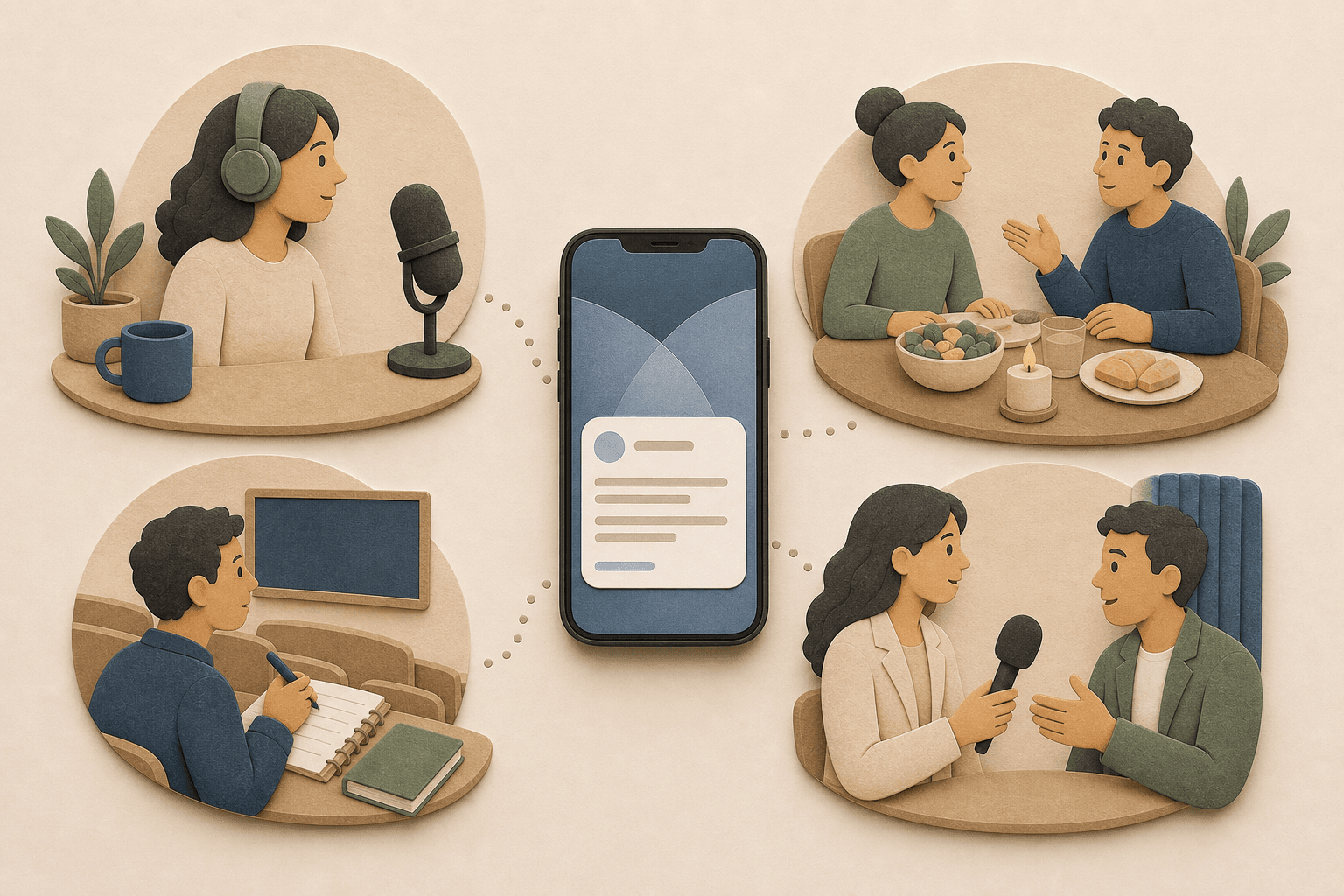
Who this is for
Use this guide if you just installed SideThread and want a simple first test. It works best with podcasts, interviews, lectures, or casual conversations where names, claims, books, places, and side comments pass by quickly.
Pick the right first conversation
Start with audio that has real back-and-forth. Interview podcasts, news discussions, history shows, and long-form conversations tend to create more answerable moments than scripted monologues. The goal is not to make a perfect transcript. The goal is to see whether SideThread can preserve a useful side question while you stay with the main thread.
Run a ten-minute test
- 1. Choose one episode. Pick something you were already curious about, not a throwaway clip. A familiar host with an unfamiliar guest works well.
- 2. Put the audio where your phone can hear it. For the first test, use the phone speaker or another nearby speaker instead of headphones.
- 3. Start a SideThread session. Begin before the episode gets dense, then let the conversation run without stopping at every interesting phrase.
- 4. Notice what appears. SideThread is meant to stay quiet until there is a useful, answerable moment. A good assist should feel like context you wanted, not another thing to manage.
- 5. Review only what matters. Keep a helpful answer, ignore anything that did not matter, and try a second session the next time a conversation makes you wonder about something.
What makes a good first assist
It answers a real gap
A person, place, claim, book, event, or unfamiliar idea came up and a short explanation would help you keep following.
It does not hijack the moment
You can glance at it, keep listening, and decide later whether the answer deserves more attention.
It stays compact
SideThread is for quick context during a live moment, not a long research session or a chat thread you have to steer.
It can be ignored
Not every assist needs to become a task. The product should help curiosity without making the conversation feel busier.
Try a second session
If the podcast test helps, try SideThread during another live moment: dinner talk, a lecture, an interview, or a video conversation playing nearby. Use it only where live transcription or conversation assistance is appropriate and where you have the permissions required by applicable law.
What not to expect
- SideThread is not a chatbot you prompt while people are talking.
- SideThread is not a meeting recorder, note-taking dashboard, or podcast player.
- SideThread does not replace your judgment when an answer is important enough to check yourself.